
Guidepost Enterprise Training Systems
A complete learning platform, built for how your organization actually trains people.
Guidepost Enterprise Training Systems is organized around your institution's real structure — Organization, Schoolhouse, Group, Course — with scheduling, interactive content authoring, assessment, certification and day-to-day administration built on top of it.
Runs entirely on your own network — no dependency on the public internet and no external data store, built for closed and air-gapped environments from the ground up. Or have us run it for you: the same Guidepost, hosted, for organizations that would rather not operate their own infrastructure.
More than a course player
An LMS that understands the organization around the course.
Most learning platforms model a course and stop there. Everything above the course — who runs it, who may see it, which division it belongs to, how a schedule reaches a student — is left for administrators to reconstruct by hand, course by course.
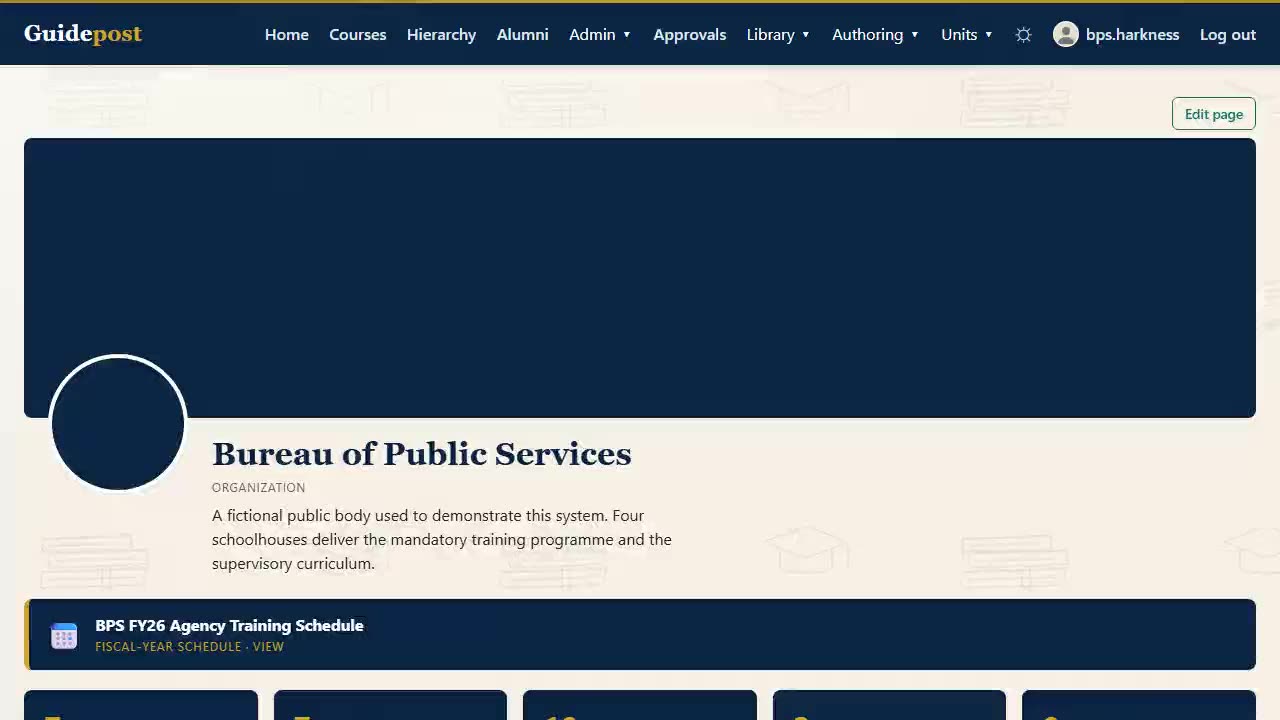
Guidepost models the institution first. Every course belongs to a Group, every Group to a Schoolhouse, every Schoolhouse to your Organization. Visibility and management authority follow that structure automatically, so placing someone in the org chart is the same act as granting them the access their job requires.
Above that sit the things a training organization actually spends its week on: a calendar of every course and class session, weekly schedules released on time, rosters with real detail, questionnaires that gate enrollment, certificates issued on completion, and a complete audit trail underneath all of it.
The structure
Organization
The whole institution. Sees and can edit existing content across everything beneath it.
Schoolhouse
A major division. Sees and edits within its own groups and everything beneath them.
Group
A team or department. Sees and edits within its own scope.
Course
Where content lives — owned by the Course Directors, Instructors and ISDs assigned to it.
Staff titles — Chief, Deputy Chief, Staff — label your own org chart. What governs access is where someone is placed, not the title they hold. How placement grants scope →
Core capability areas
Everything a training organization runs, in one platform.
The feature set divides into building a course, running it, and everything around it. Each has a page of its own, and the full index sits on the Features page.
Building the course
Course authoring
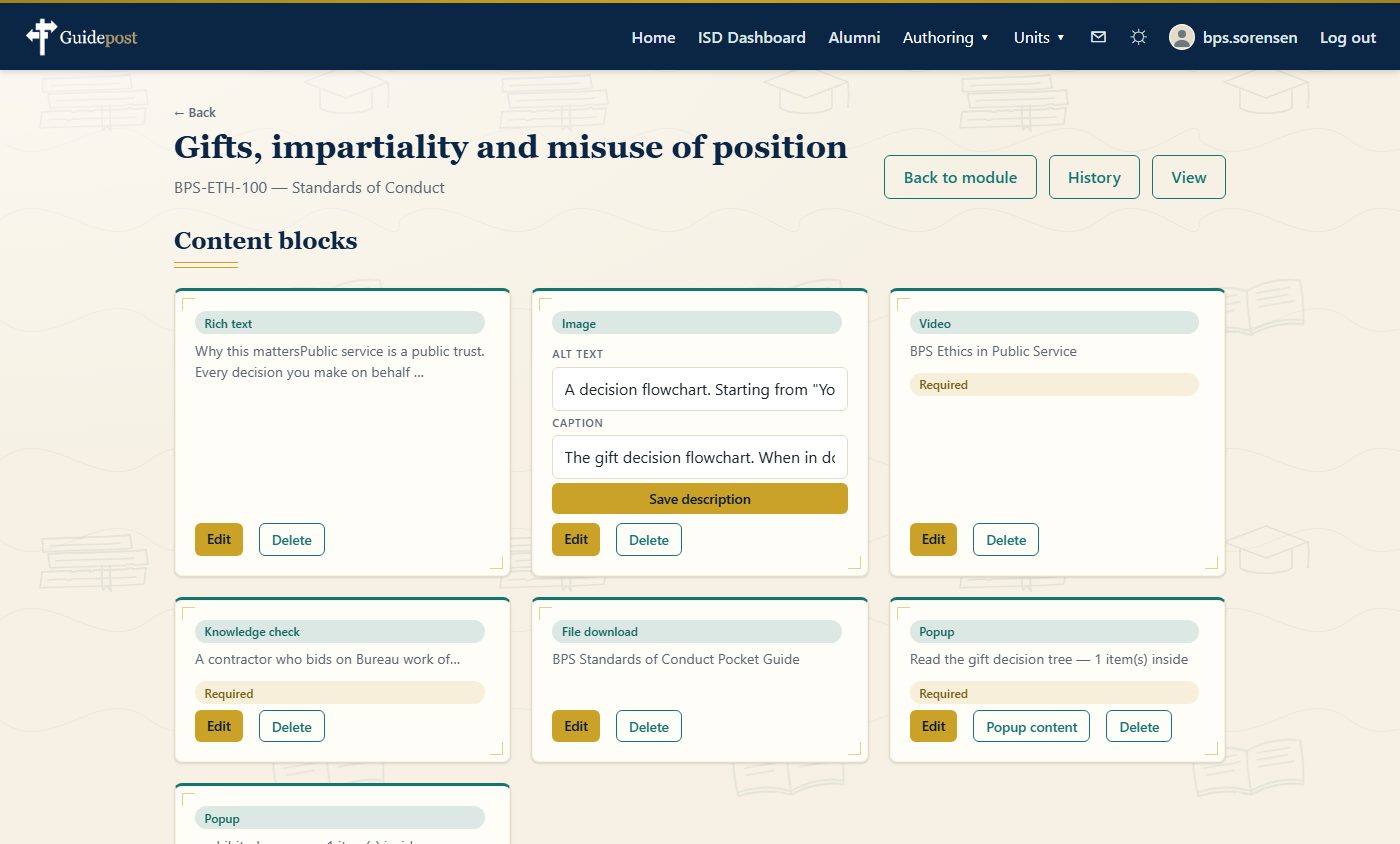
Eleven content block types including branching popups, tabbed panels, embedded quizzes and surveys. A visual map of the course, a Draft-to-Published review workflow, module reuse across courses, and full version history.
Course authoring →Running the course
Course delivery
Browse and Credit modes, progress that cannot disagree with itself, quizzes with five question types, certificates verifiable by code, project topics, and content published for alumni.
Course delivery →Around the course
Administration
Four organizational levels with visibility that follows placement, the calendar and weekly schedules, a four-month institutional course schedule, rosters with nine live fields, bulk account provisioning, landing pages and scheduled reporting.
Administration →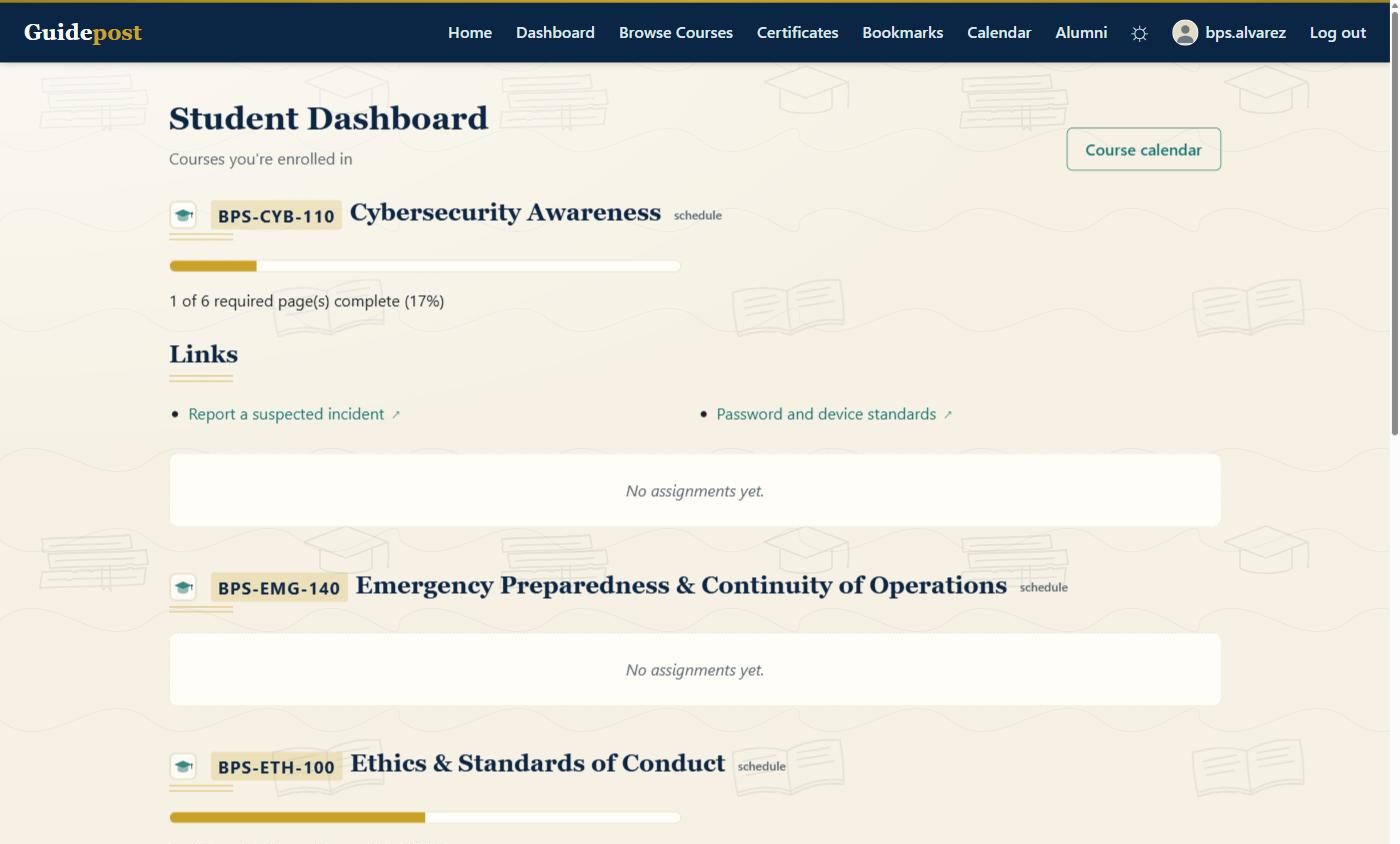
Authoring, up close
A course is built page by page, from content blocks.
Not a folder of uploaded documents with a quiz bolted on the end. Every block type is available to every author, on every page, with no separate editor and nothing to install.
- Eleven block types, learned once. Rich text, image, video, link, popup, quiz embed, survey embed, file download, knowledge check, embedded page and tabs — a deliberately finite set that does not change between courses.
- A review workflow with names on it. Modules move from Draft to In review to Approved to Published, with a reviewer assigned per module and comments kept against the work rather than in a mail thread.
- Reuse instead of rebuilding. Copy a module into another course, search across everything you author, import an existing course or a slide deck, and export a course's structure.
- Version history on everything. Materials, videos, surveys and scheduled reports each keep a full history — view any earlier version, and revert.
Outside the course
Not everything worth teaching is worth building a course around.
Micro-lessons and informational videos are short, standalone content that needs no course, no enrollment and no cohort. Anyone signed in can open them the day they are published.
- A micro-lesson is one screen. A summary, an optional video, authored rich text and knowledge checks, with a Mark as done control that stays disabled until every check has been answered correctly.
- An informational video is a video. A title, a description and one file — with captions where it is uploaded to your own deployment, and a transcript link where it is hosted somewhere else.
- Published to the whole installation. By an ISD, which is the line the platform already draws around creating a course. Learners sit outside the organizational hierarchy, so scoping this content to a unit would scope it away from everybody it is for.
- "Opened" is not "watched". A micro-lesson records completion. An uploaded video records that somebody opened it, and nothing further. An externally hosted video records nothing at all, because no honest signal exists for one.
Which one to reach for
The short path and the long one
A safety briefing that has to reach everybody this week is a micro-lesson. A qualification somebody has to be certified against is a course.
The difference is not length. It is whether anyone will later have to prove that a named person completed it.
Four different questions
The people who approve a platform and the people who live in it judge different things.
A director asking what they are buying, an instructional designer asking whether it will get in the way, a registrar asking whether they can show their work, and a student asking what to do next. Each case is made on its own terms.
For decision-makers
Institutional leadership
One platform rather than a stack, access that follows the org chart, a complete audit trail, and a deployment that fits inside your boundary.
Read the case →For practitioners
Designers & instructors
Build without leaving the page, schedule from the calendar, and keep your own review progress separate from your students'.
Read the case →For administrators
Support staff & registrars
Rosters carrying nine live fields, waitlists filled deliberately, and schedules released on time rather than early.
Read the case →For learners
Students
Know where you are, choose how you are taking the course, and never guess what is required of you.
Read the case →Detailed use cases
How Guidepost changes a week at a real training organization.
Nine concrete scenarios rather than instructions — how the platform is introduced, what the organization stops doing by hand, and why the result matters to the people involved. Three of them are below; all nine are on the Use Cases page.
Access provisioning
A multi-division academy consolidates access
A new deputy chief is placed once, at their schoolhouse, instead of being granted access course by course over a week that is never quite finished.
Read the scenario →Audit
An audit asks who approved what
Approval tracking is already a live roster field and certificates are verifiable by code, so the answer is a page rather than a reconstruction project.
Read the scenario →Closed networks
An organization trains on a closed network
No public internet dependency at runtime, no external data store, and nothing that opens a connection out of the boundary on its own.
Read the scenario →Built on a solid foundation
The parts you only notice when they are missing.
No public internet dependency at runtime.
Automated suite run on every code change.
Organization, Schoolhouse, Group, Course.
Available to every author, on every page.
Layered access control re-derived at the point of action, a complete audit trail, content sanitized on every rich-text input, uploads validated by both extension and content signature, mutation testing on safety-critical logic, and nothing that calls out of your boundary on its own. All of it is set out on the Security & deployment page.
Accessibility sits alongside that as an active line of work rather than a box to tick. The platform is built and tested against WCAG 2.1 AA, across twenty-two pages and all three of its appearance themes, and honest in writing about the part of the standard no tool can reach. What is proven, and what is not yet →
Next step
See it against your own courses, not a demo dataset.
Tell us how your organization is structured and what you are running today. We will show you the platform against that shape rather than a generic walkthrough.